
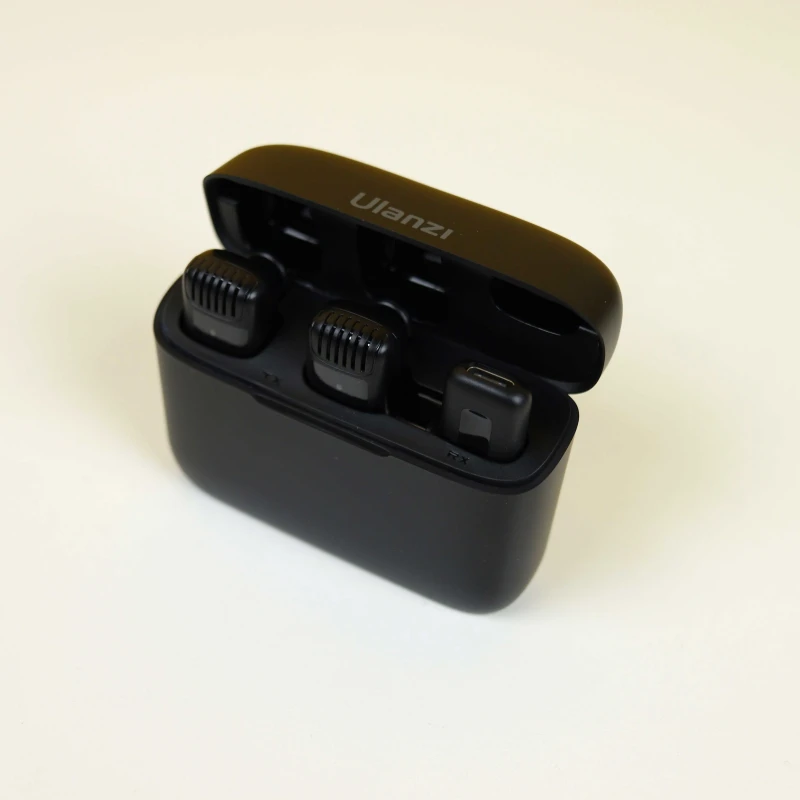
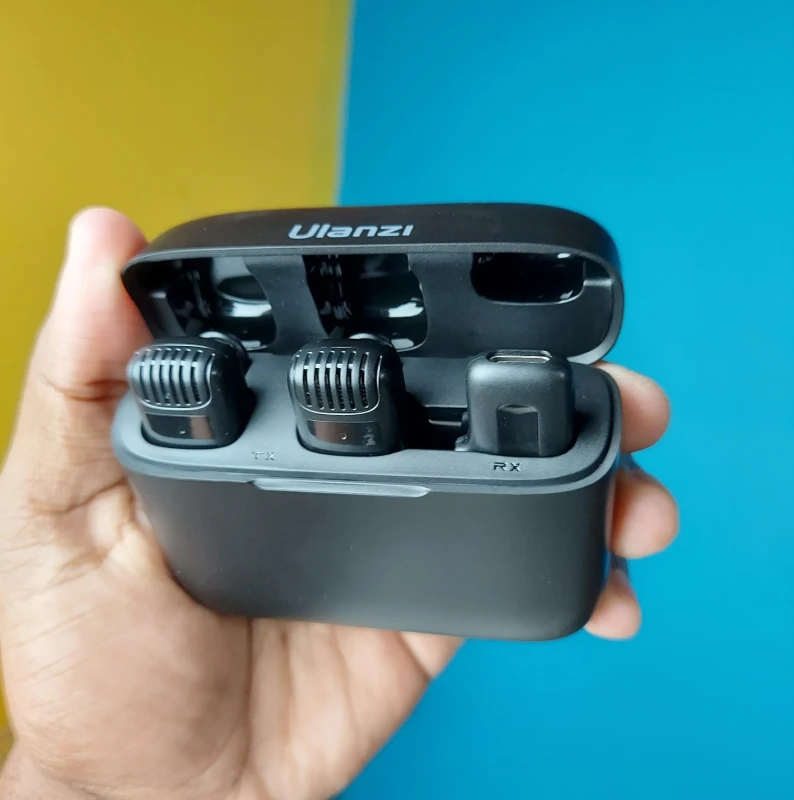
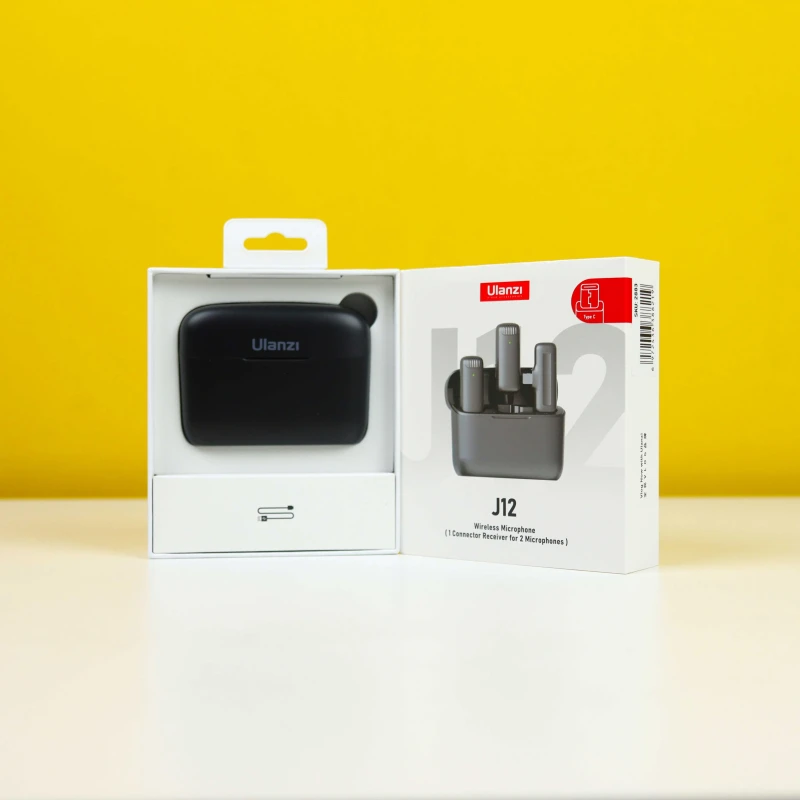
Ulanzi J12 Dual Wireless Microphone With Charging Case
Brand
Ulanzi
SKU
People are viewing right now
Ulanzi J12 Dual Wireless Microphone With Charging Case Price in Bangladesh
The Ulanzi J12 Wireless Microphone with Charging Case is available now in Bangladesh. Get the original Ulanzi products at the most affordable price only at Ajkershop and enjoy professional-quality audio with the promise of the best customer service in Bangladesh.
Key Highlights & Features
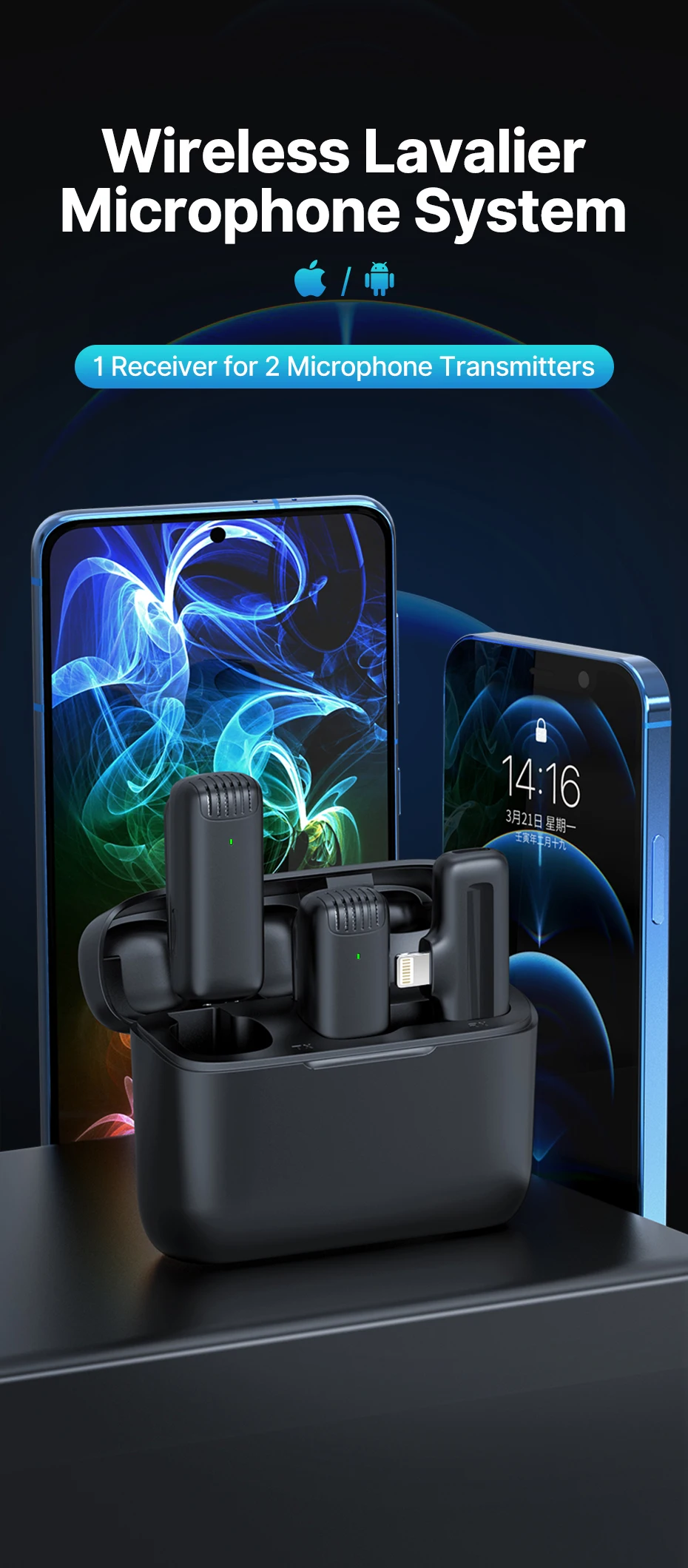
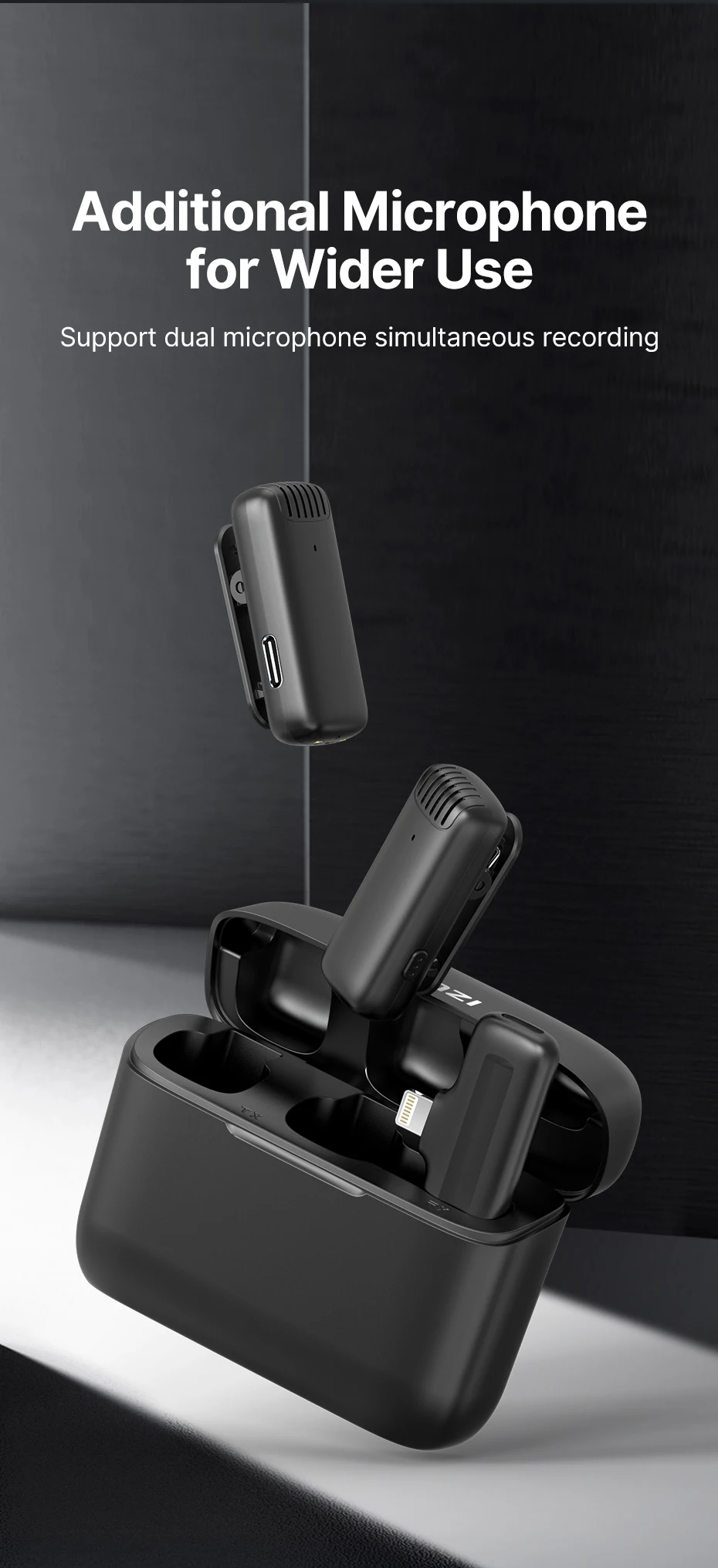
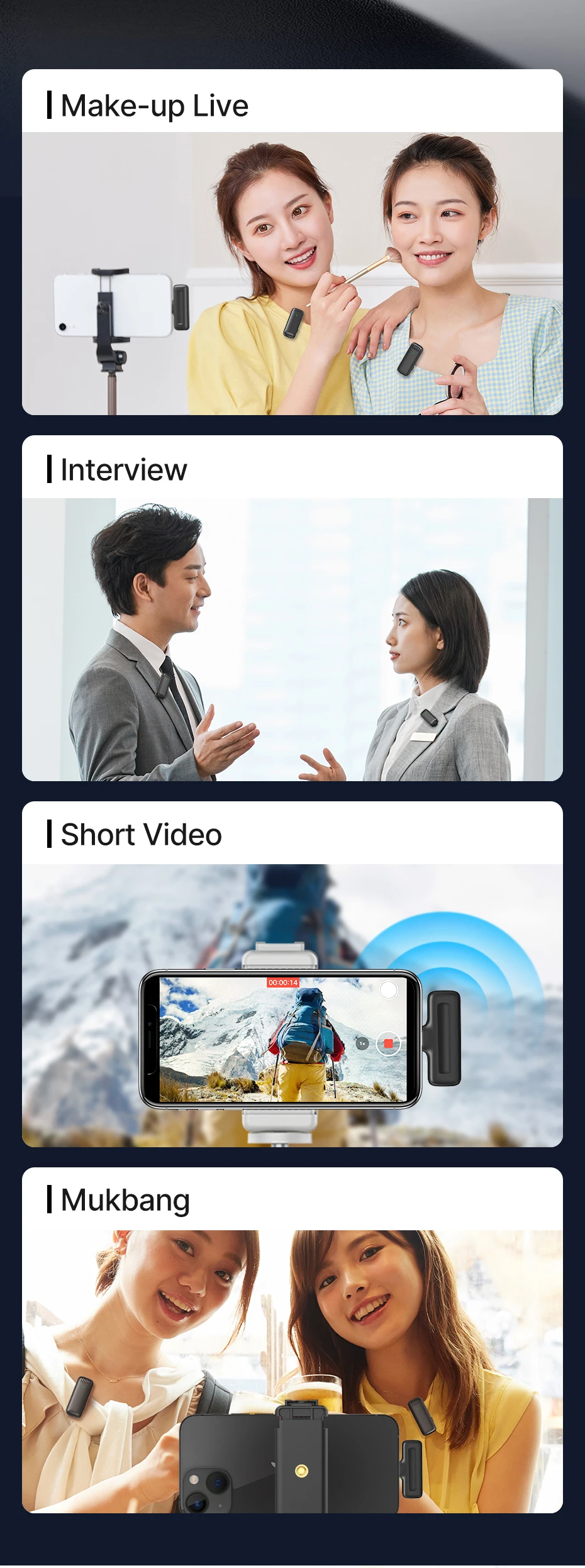
- Dual wireless microphone support for interviews, vlogs, live streaming, Mukbang, and short videos
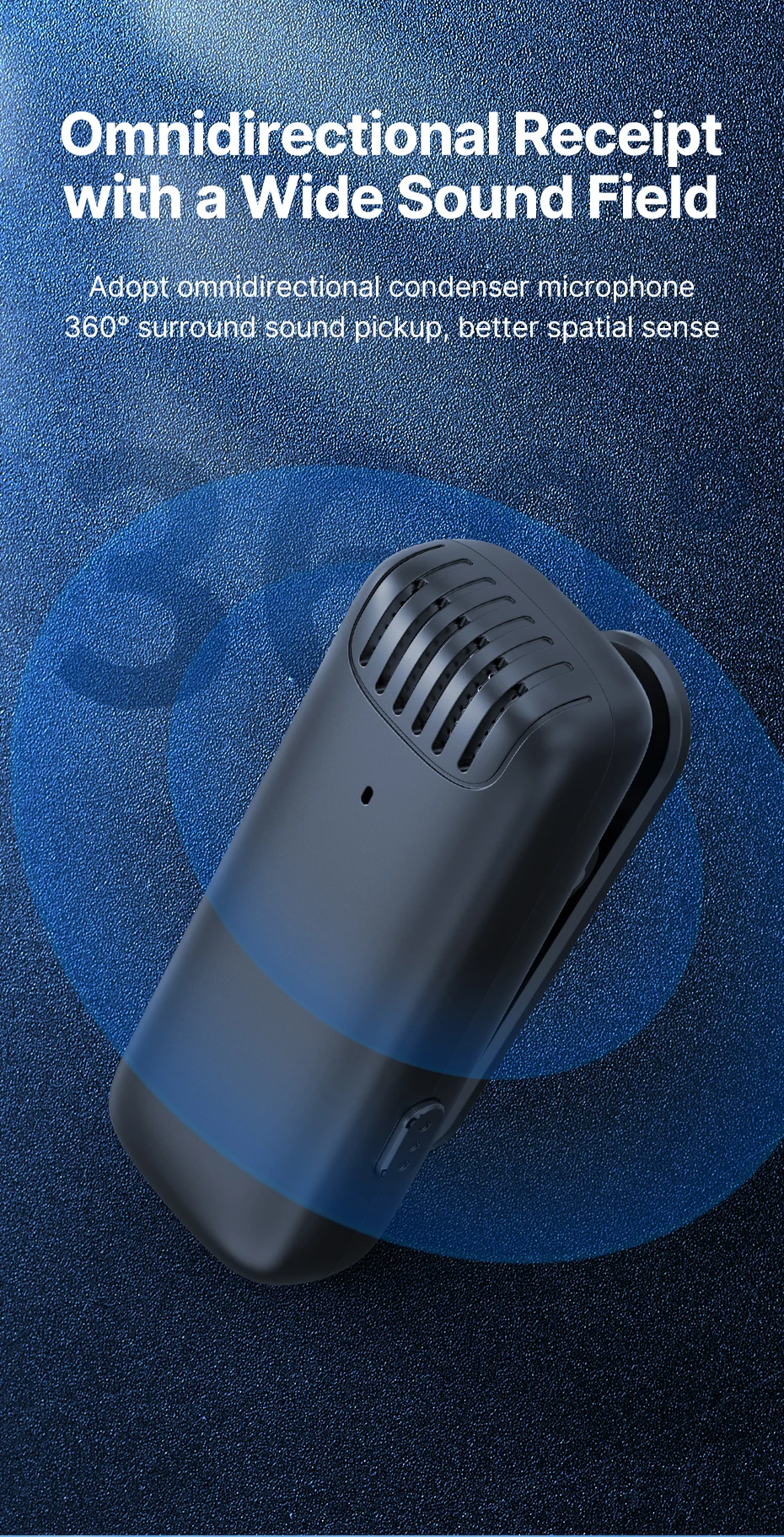
- Omnidirectional condenser microphone for 360° sound pickup
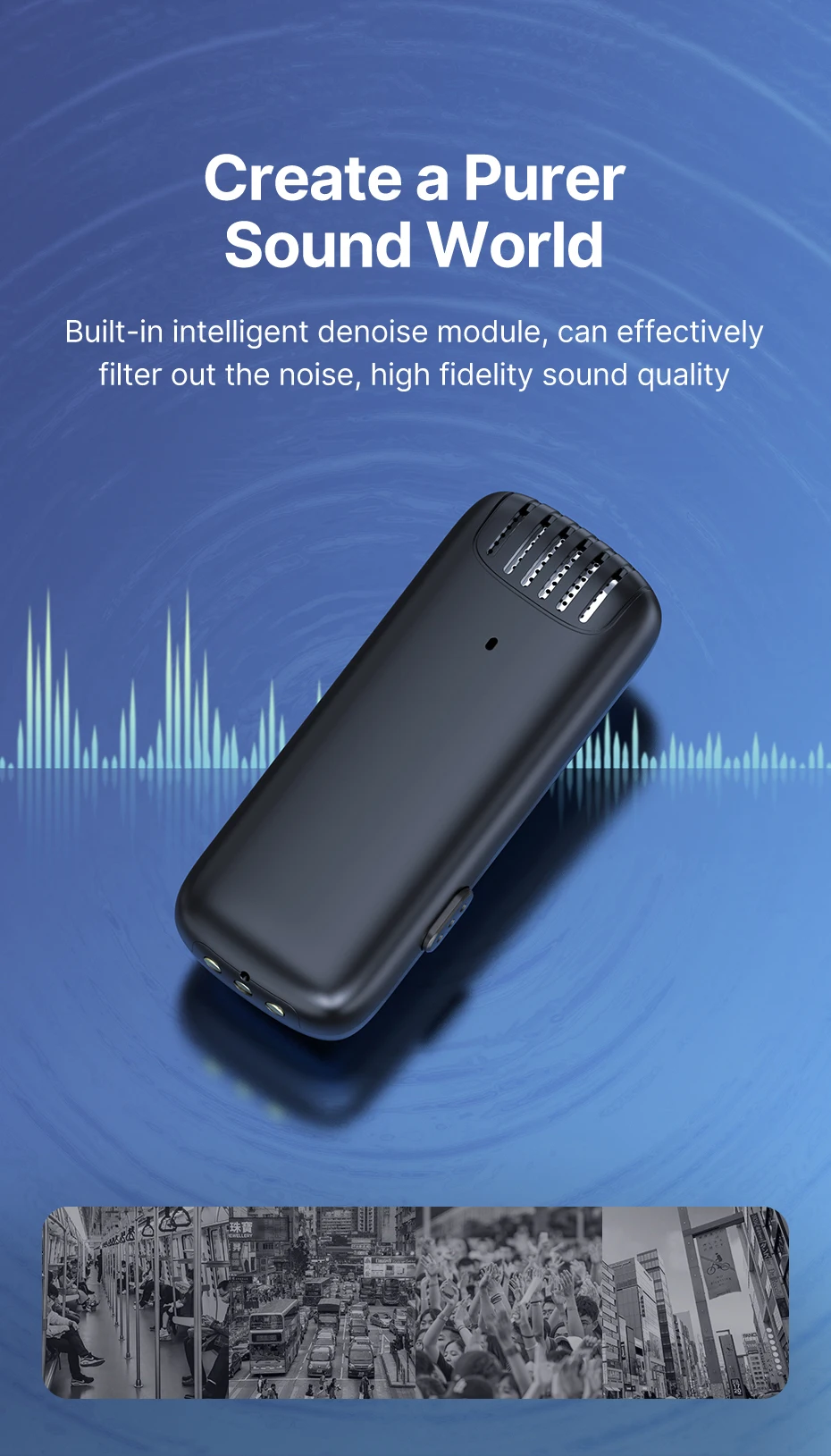
- Built-in intelligent noise reduction module
- Ultra-low latency (≤25ms) for real-time audio sync
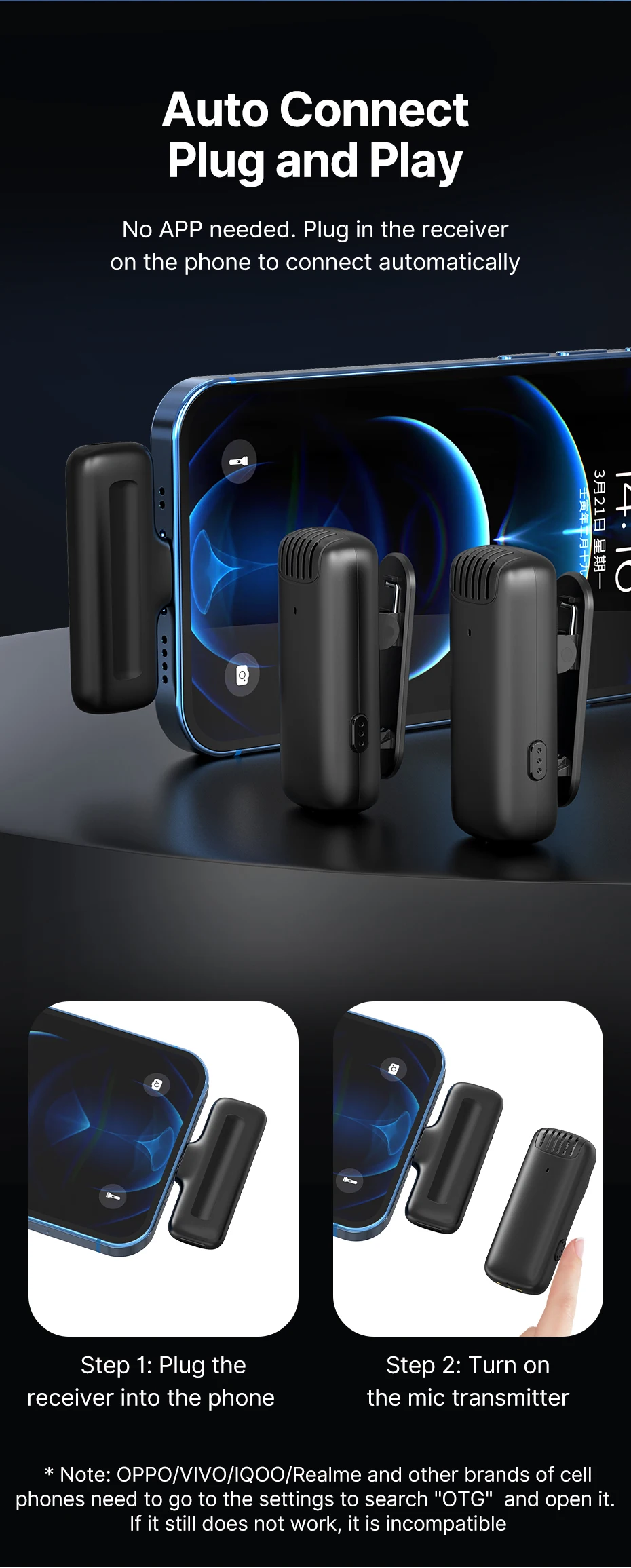
- Plug-and-play operation with automatic pairing
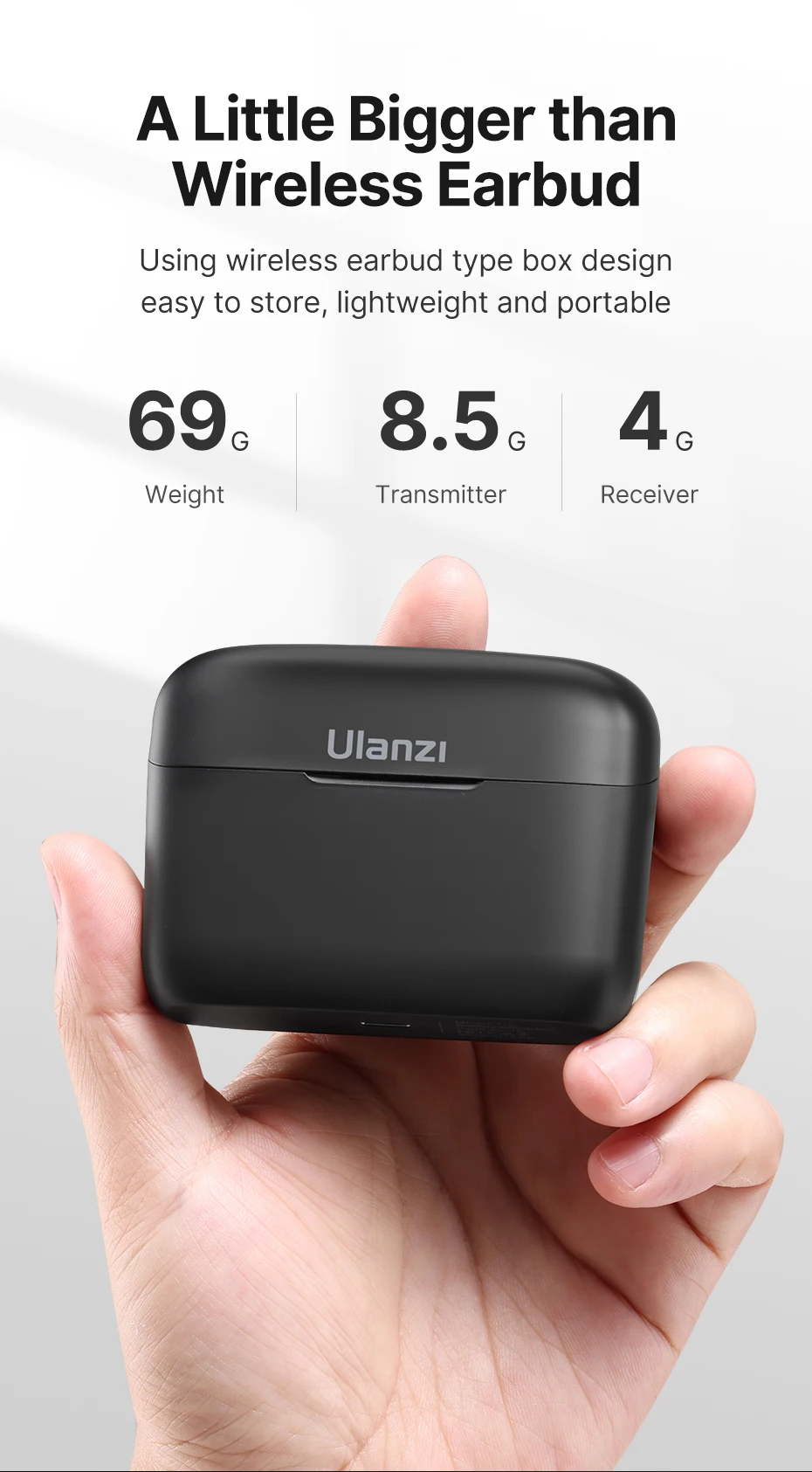
- Compact charging case for easy storage and portability
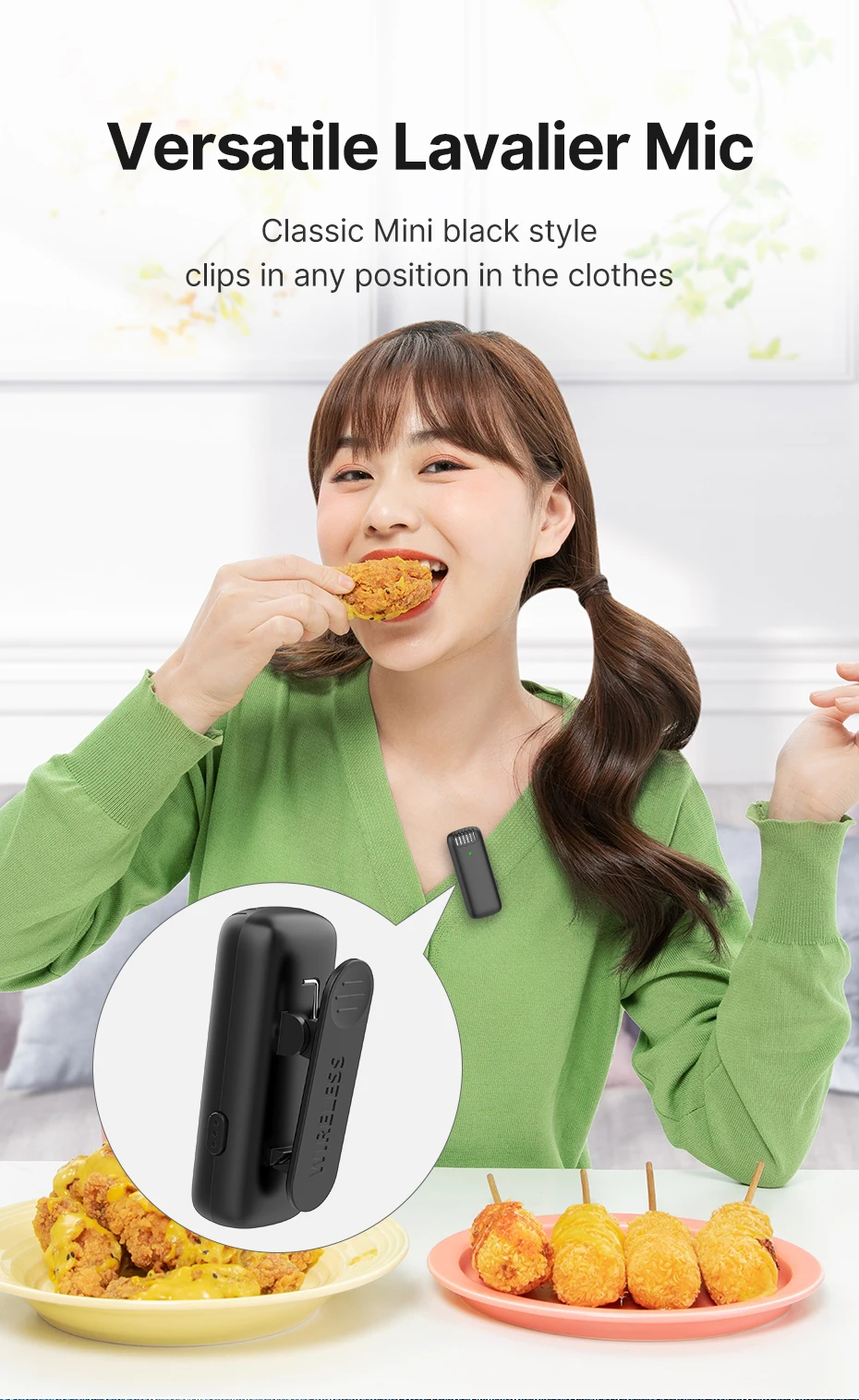
- Lightweight design for extended use
Technical Specifications
| Brand | Ulanzi |
| Model | J12 |
| Microphone Type | Dual Wireless Lavalier Microphone |
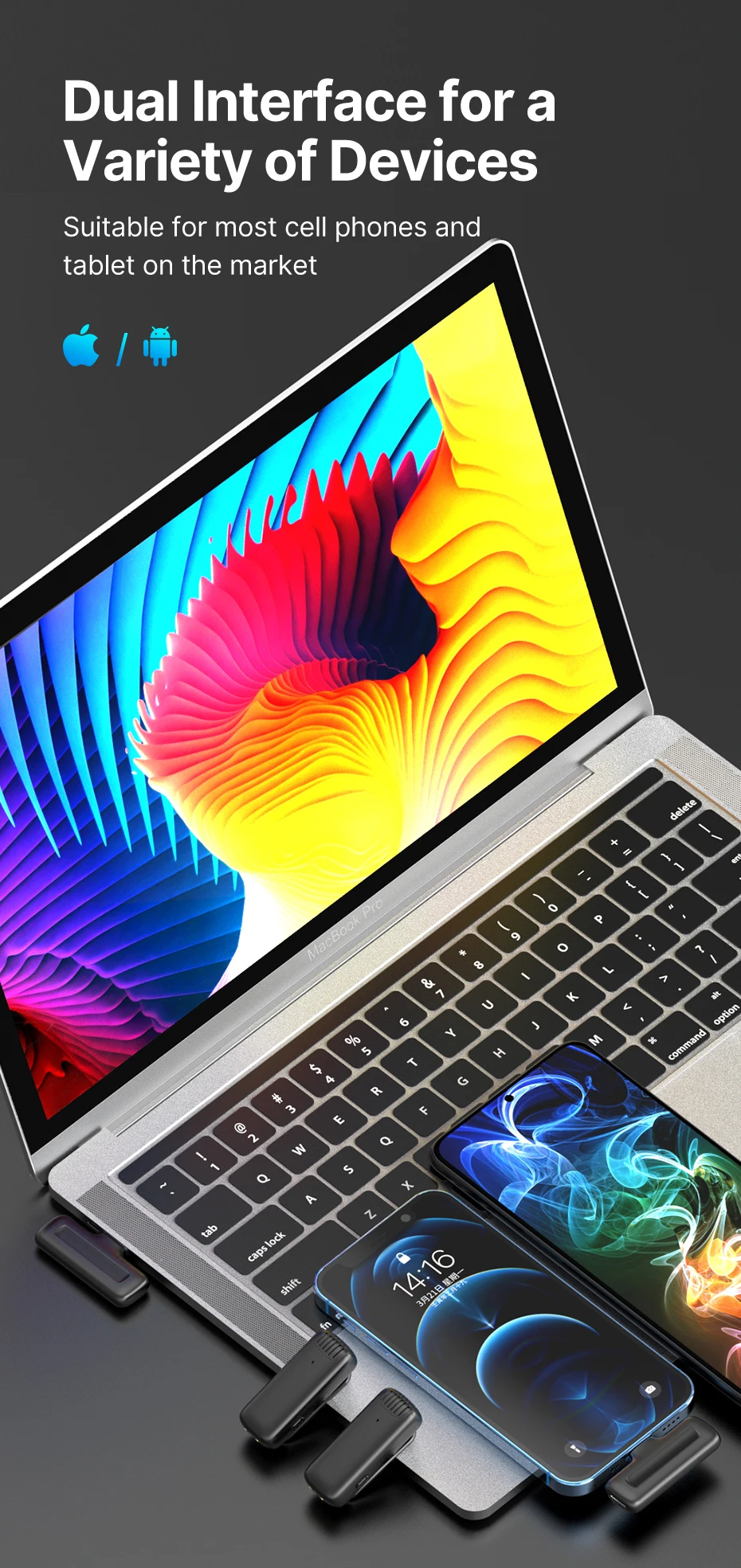
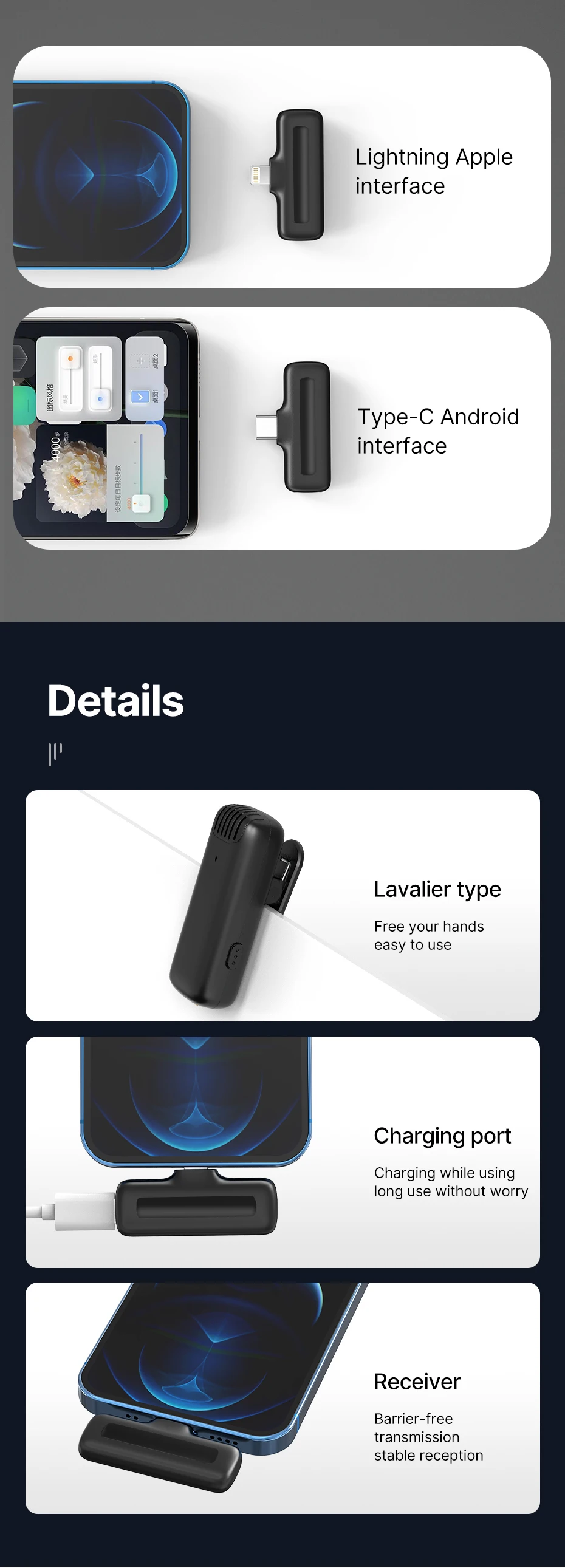
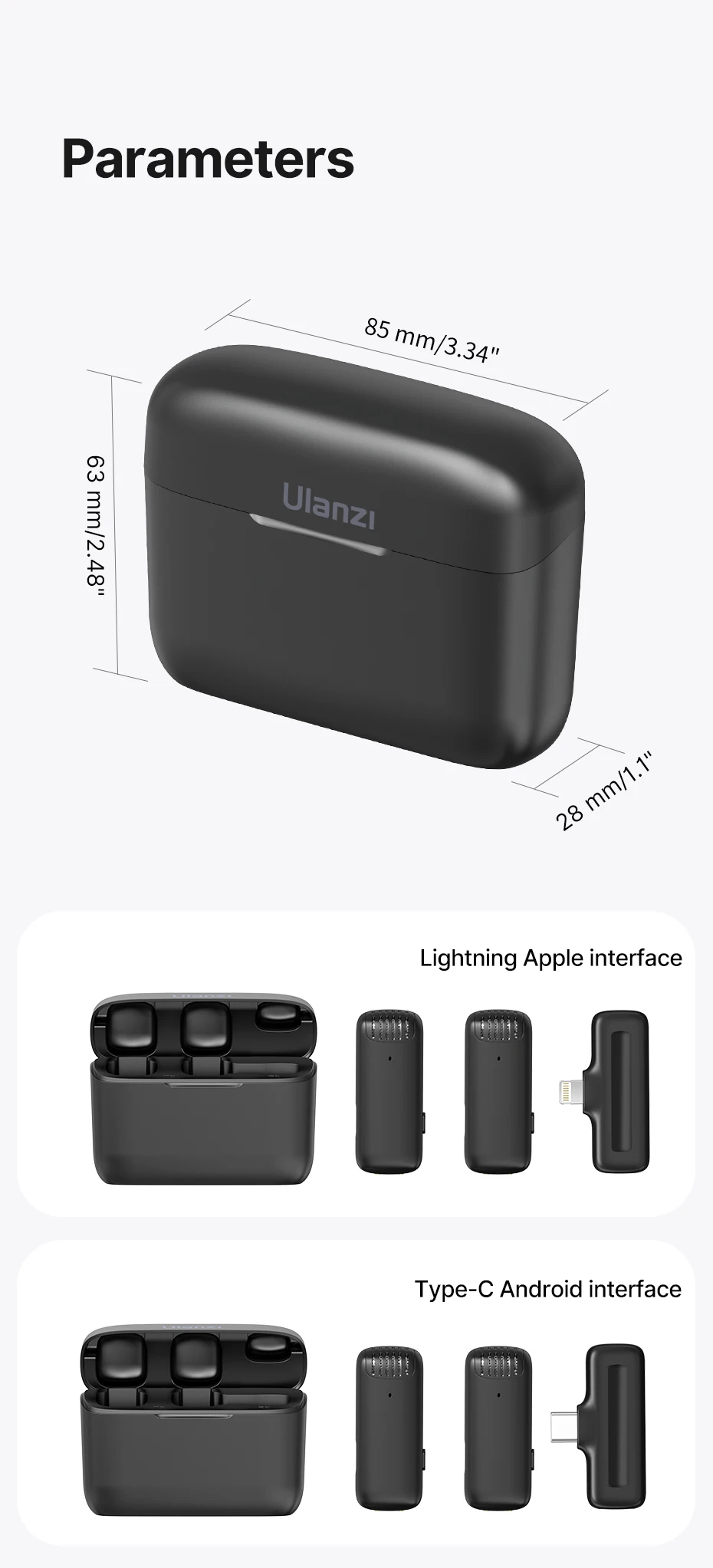
| Connection Type | Type-C / Lightning (Variant Based) |
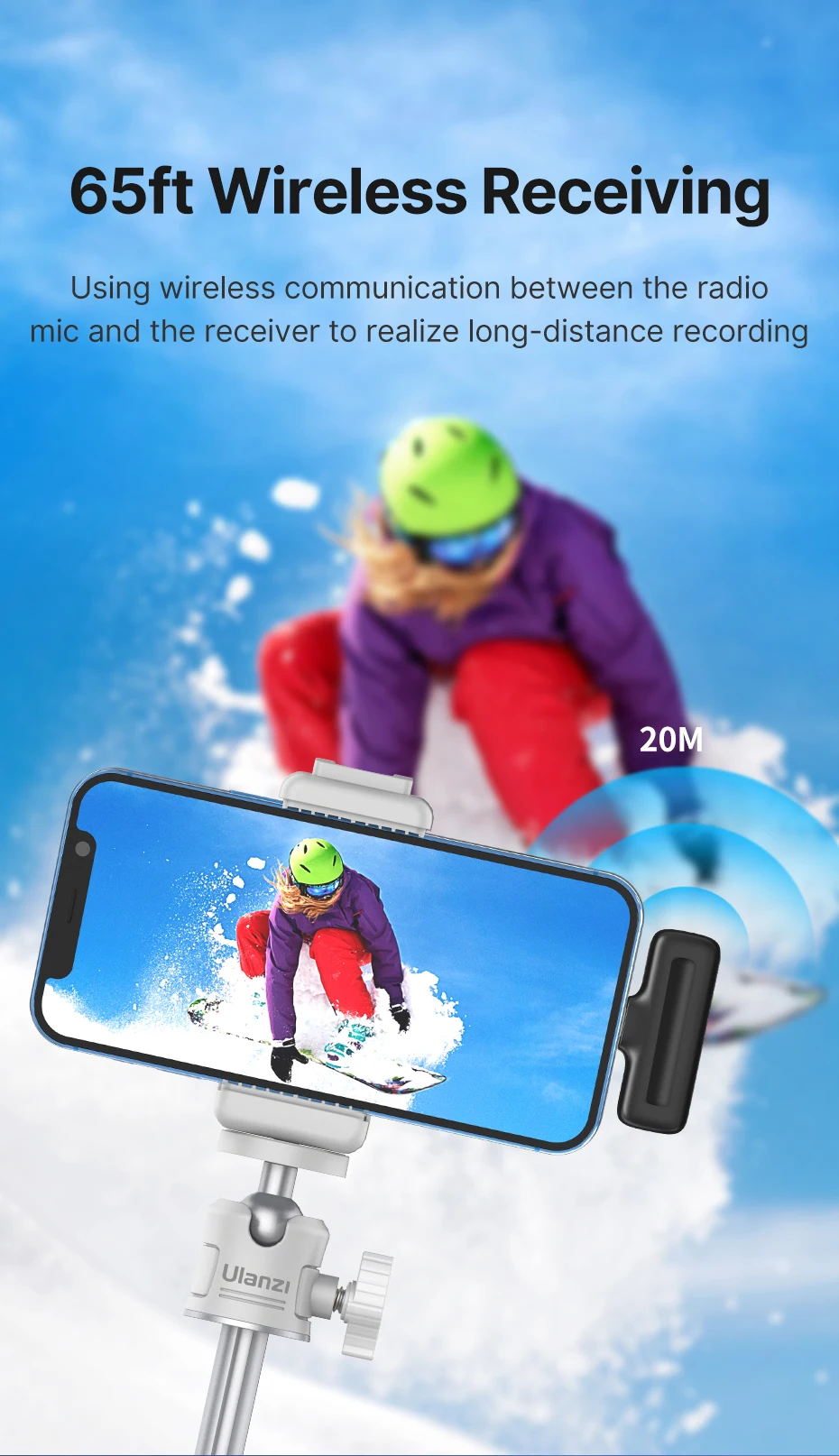
| Transmission Distance | Up to 20m / 65ft |
| Sound Delay | ≤25ms |
| Product Material | ABS |
| Product Weight | 69g |
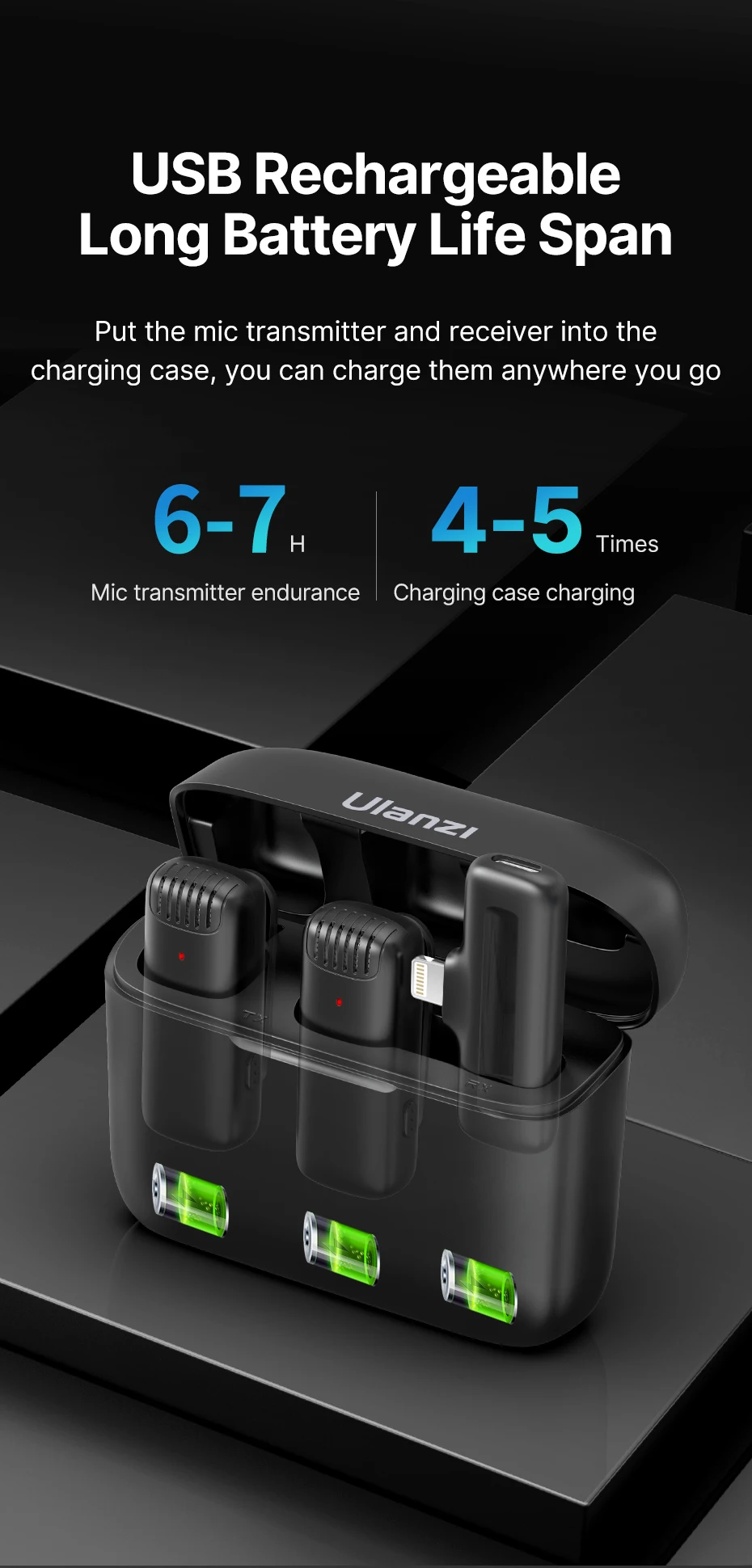
| Transmitter Battery Capacity | 80mAh |
| Charging Case Battery Capacity | 800mAh |
| Headphone Monitoring | Supported |
| Made in | China |
| Compatibility | Android devices with Type-C port |
| Wireless Range | Up to 65ft |
| Dual Mic Support | Yes (Simultaneous recording) |
| Adapter | 5V / 1A |
| Step 1 | Install a Third-Party App |
| Step 2 | Connect the Receiver |
| Step 3 | Turn On the Microphone |
| Step 4 | Connect and Record |
| Double-click | Mute |
| Triple-click | Reverberation mode |
| Single-click sequence | Noise reduction level 1 |
| Material | High-grade ABS & Aluminum |
| Warranty | 6 Months Brand Warranty |
📦 Package Contents
- Mic transmitter *2
- Receiver *1
- Charging cable *1
- Ulanzi J12 Wireless Microphone Price in Bangladesh
- How to Use the Ulanzi J12 Wireless Microphone (Type-C)
- Step 1: Install a Third-Party App
- Step 2: Connect the Receiver
- Plug the receiver into your phone’s Type-C port.
- Step 3: Turn On the Microphone
- Power on the mic transmitter.
- Step 4: Connect and Record
- Wait for automatic pairing, then start using the microphone.
Frequently Asked Questions (FAQs)
What is the price of Ulanzi J12 Dual Wireless Microphone With Charging Case in Bangladesh?
The authentic Ulanzi J12 Dual Wireless Microphone With Charging Case is available on Ajkershop for ৳ 3,500, backed by official 6 Months Brand Warranty support and reliable nationwide Cash on Delivery.
Is this product genuine and original Ulanzi?
Yes, all Ulanzi products sold on Ajkershop are 100% genuine, brand new, factory-sealed, and sourced through official channels.
What devices and setups are compatible with Ulanzi J12 Dual Wireless Microphone With Charging Case?
It is engineered with standard universal mounting interfaces (such as cold shoe, 1/4" tripod threads, or standard clamps) making it compatible with smartphones, DSLR/mirrorless cameras, action cams, and studio accessories.
What warranty coverage is included with this purchase?
This product comes with an official 6 Months Brand Warranty against manufacturing defects from Ajkershop, ensuring prompt customer support and hassle-free warranty assistance.
Product Visual Showcase
Where to Buy Original Ulanzi J12 Dual Wireless Microphone With Charging Case in Bangladesh?
Get the authentic Ulanzi J12 Dual Wireless Microphone With Charging Case at the special offer price of ৳ 3,500 directly from Ajkershop. Enjoy 100% genuine factory-sealed hardware, official 6 Months Brand Warranty support, and reliable nationwide Cash on Delivery.
Related products

Maono Maonocaster AME2A With XLR Condenser Microphone For Podcasting
৳13,990.00
৳15,000.00
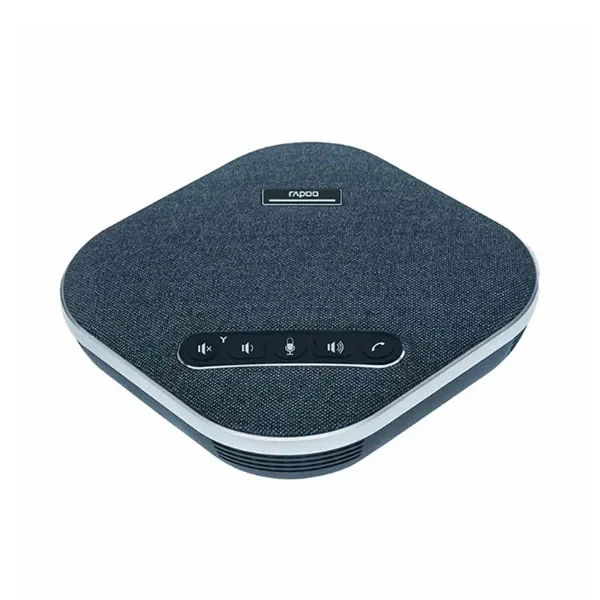
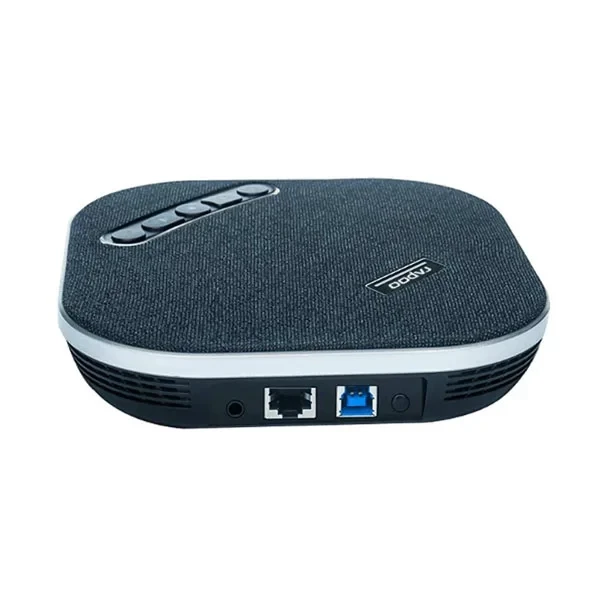
Rapoo CM600 Omnidirectional Conference Microphone
৳32,990.00
৳35,000.00




Jmary MW-16 Wireless Microphone For Mobile & Camera
৳3,090.00
৳3,800.00
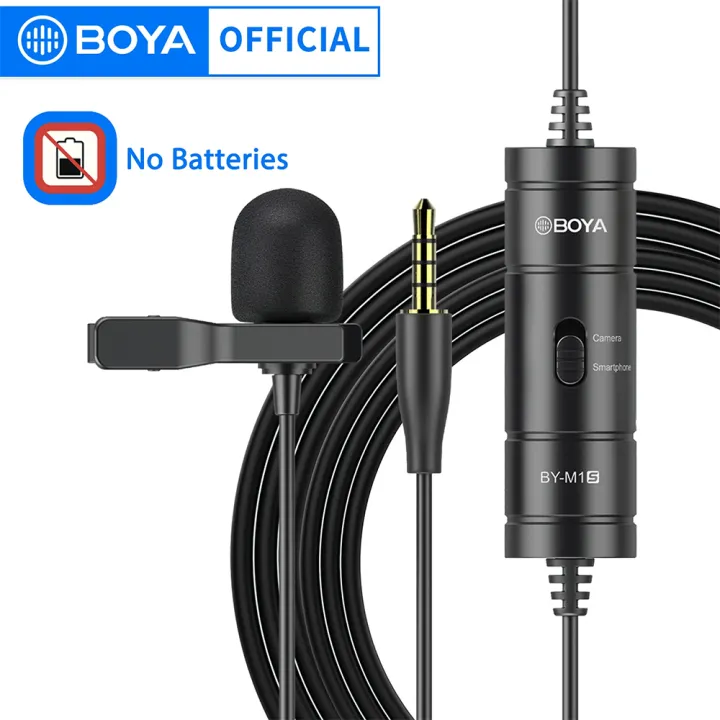

Boya BY-M1S Universal Lavalier Microphone
৳1,200.00
৳1,325.00
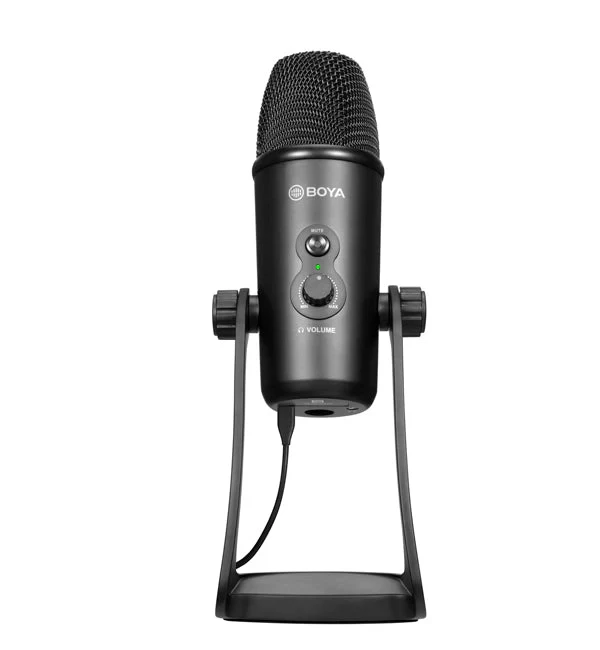
Boya BY-PM700 USB Condenser Microphone
৳6,600.00
৳6,900.00
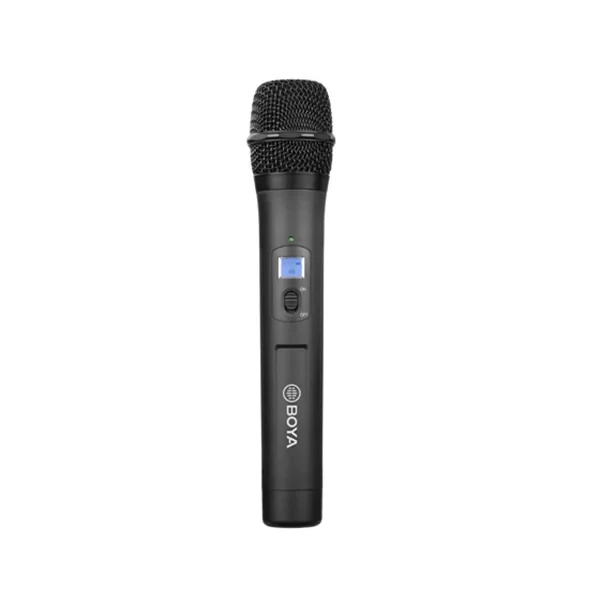
Boya BY-WHM8 Pro Wireless Handheld Microphone
৳10,490.00
৳10,999.00
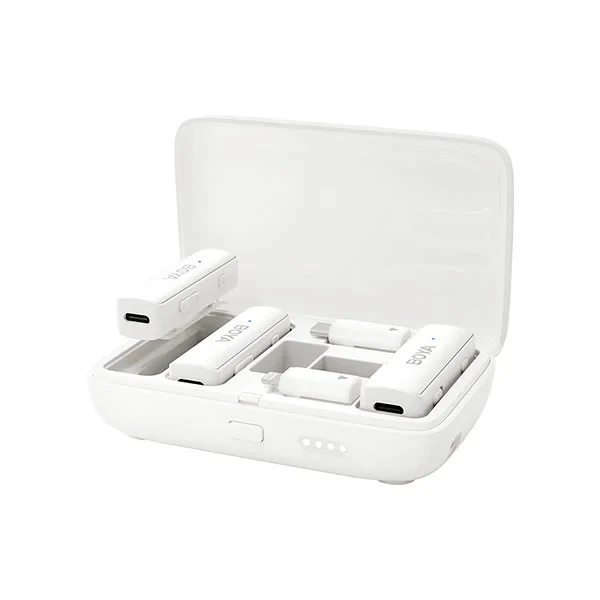
Boya Boyalink-W All-in-One Compact Wireless Microphone
৳9,490.00
৳10,200.00
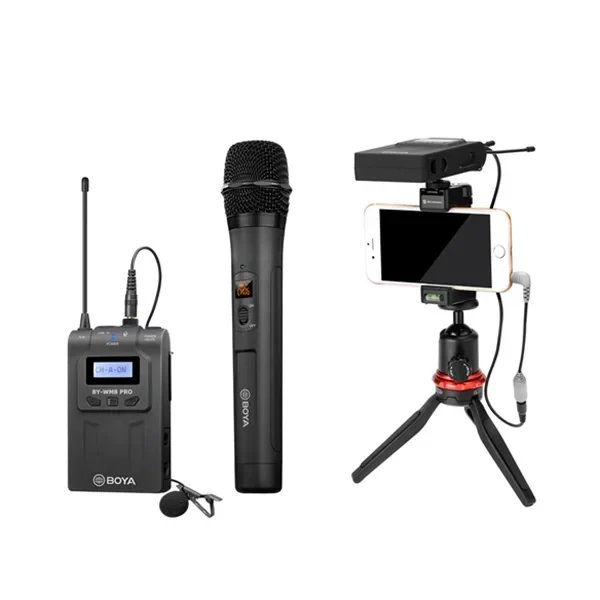
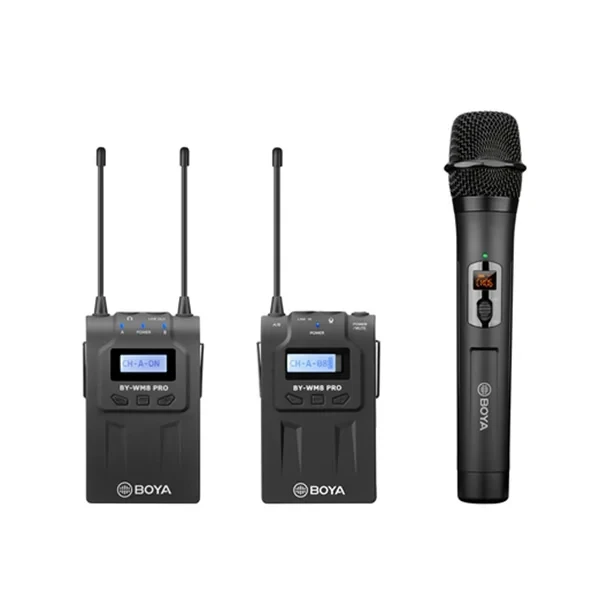
Boya BY-WM8 PRO-K4 UHF Dual-Channel Wireless Microphone System
৳25,490.00
৳27,999.00
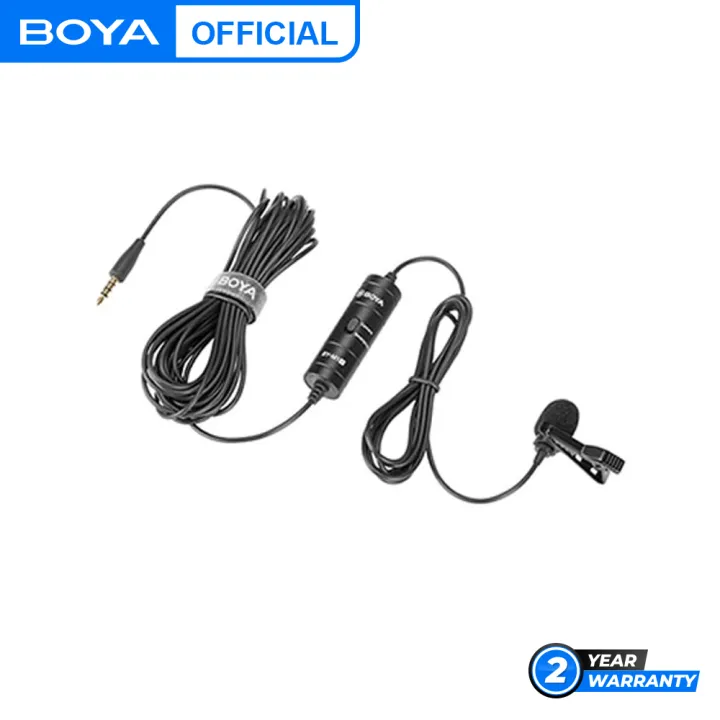
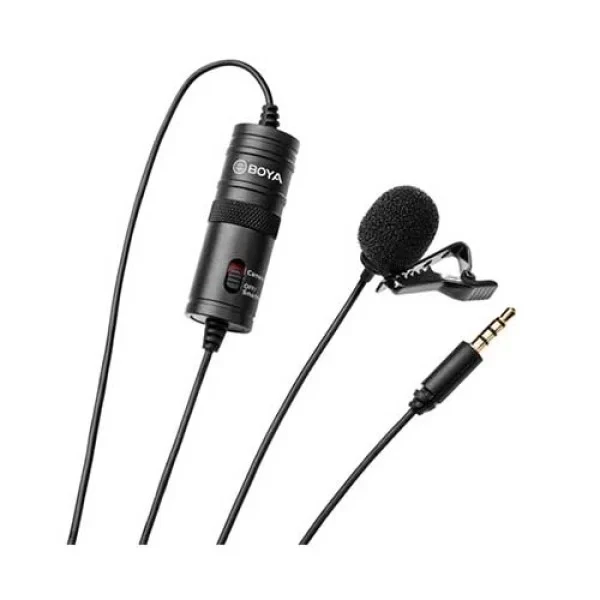
Boya BY-M1 Omni Directional Lavalier Microphone
৳990.00
৳1,075.00

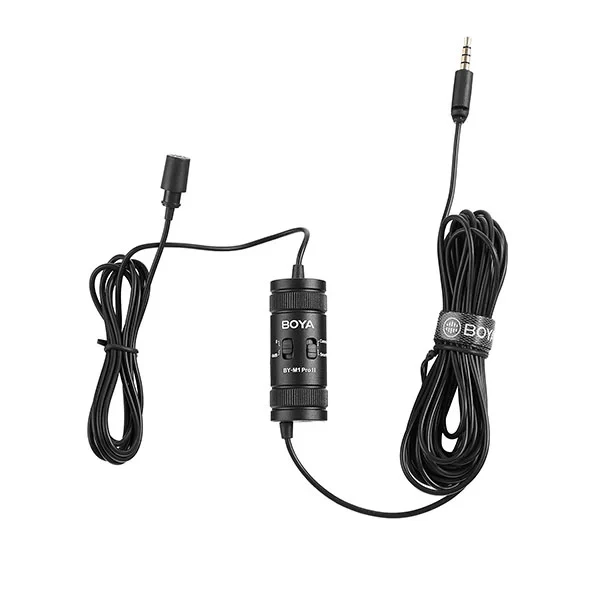
Boya BY-M1 Pro Ⅱ Universal Lavalier Microphone
৳1,750.00
৳1,925.00

Boya BY-M1DM Dual Omni-directional Lavalier Microphone
৳1,750.00
৳1,925.00

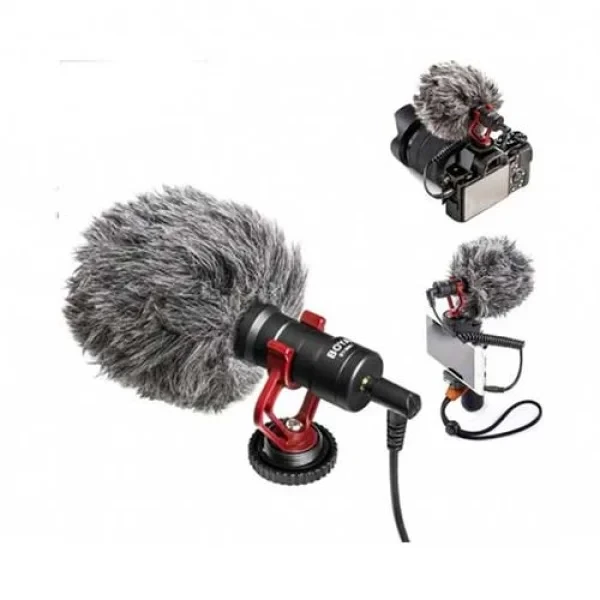
Boya BY-MM1 Cardioid Condenser Microphone
৳1,990.00
৳2,299.00

Boya BY-MM1+ Super-cardioid Condenser Shotgun Microphone
৳2,350.00
৳2,699.00
Frequently Bought Together
No frequently bought products found!
Products from this Seller
View All
Ulanzi VL119 RGB Handheld Video Light (19.6inch)
৳2,800.00
৳3,690.00
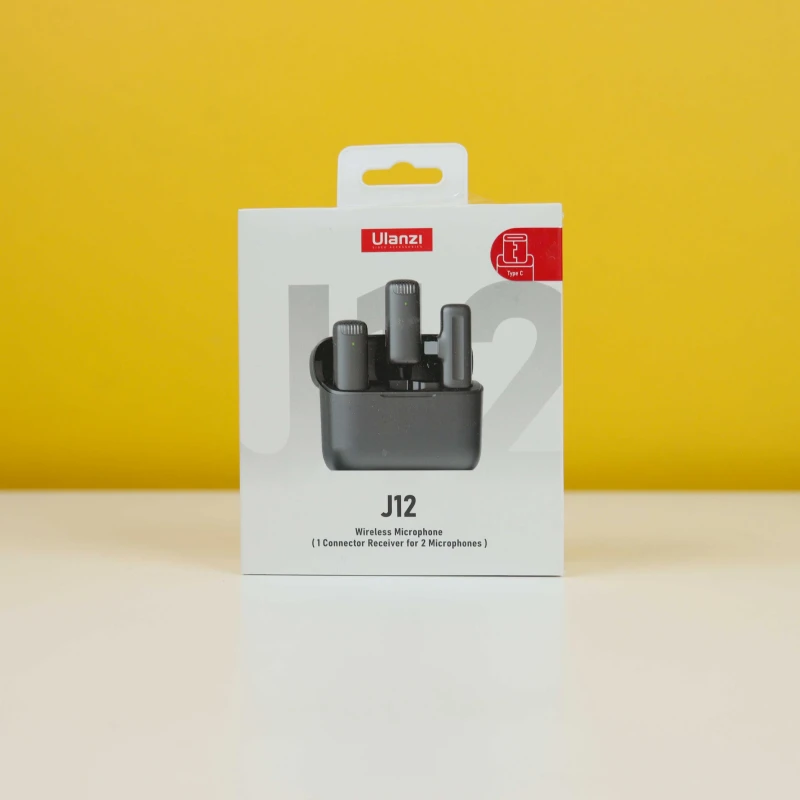
Ulanzi J12 Dual Wireless Microphone With Charging Case
৳2,550.00
৳3,500.00
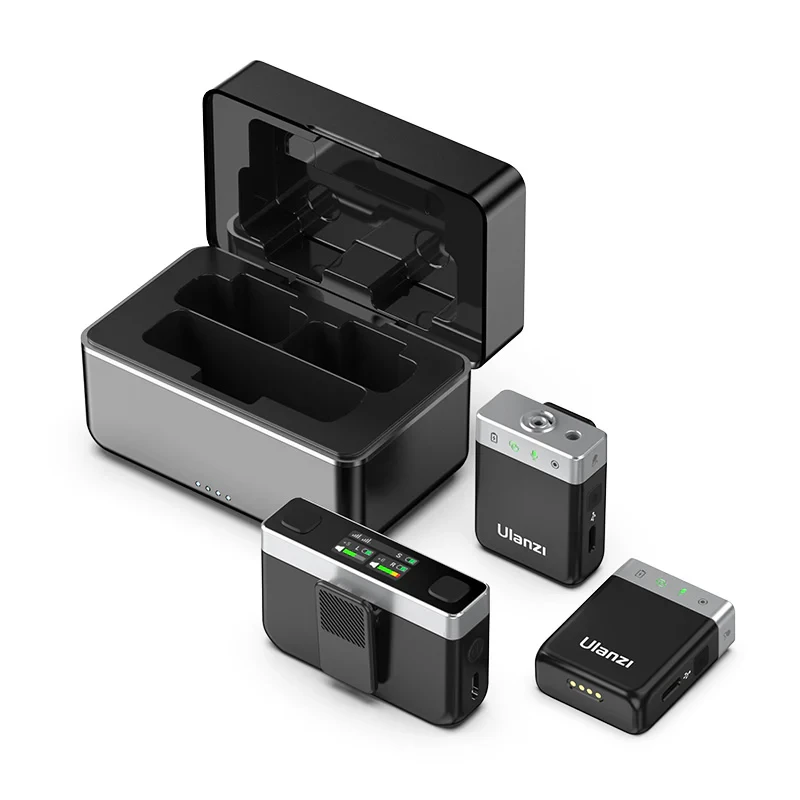
Ulanzi U-Mic AM18 Wireless Lavalier Microphone System
৳8,850.00
৳13,000.00

Ulanzi WM10 Wireless Clip-on Microphone
৳1,250.00
৳2,000.00

Ulanzi VL49 Rechargeable Mini LED Light
৳1,200.00
৳1,900.00
Ulanzi VL49 Rechargeable Mini RGB Light
৳1,650.00
৳2,000.00
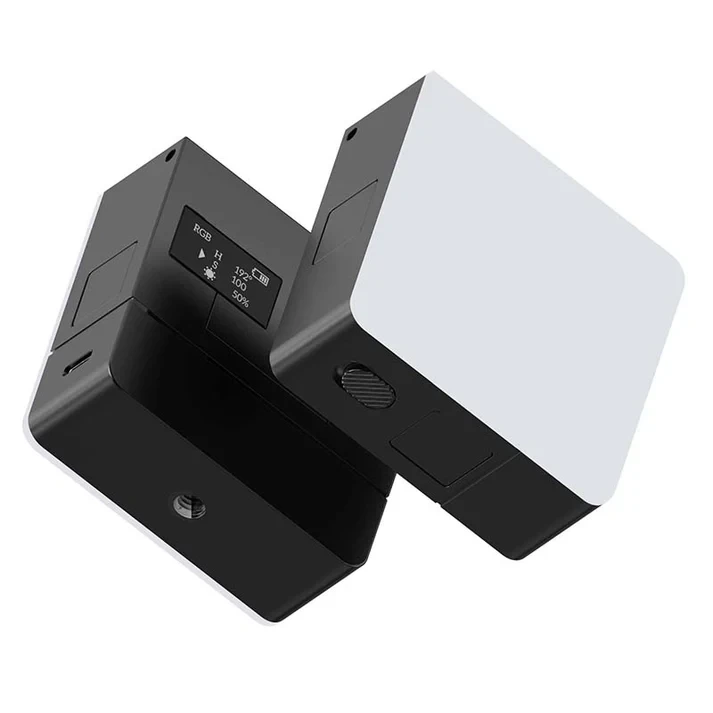
Ulanzi VL49 RGB Pro Rechargeable LED Light
৳2,490.00
৳3,250.00

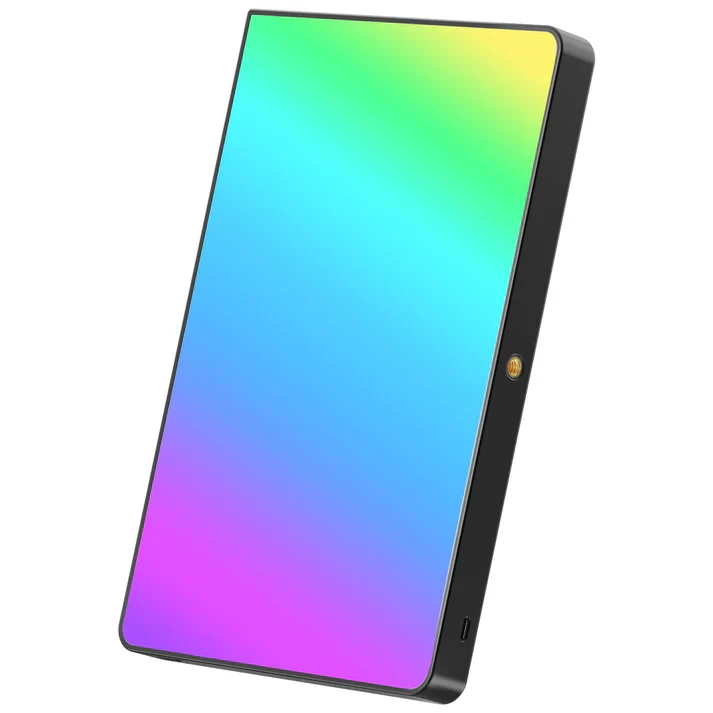
Ulanzi LT003 10" RGB LED Video Light
৳5,400.00
৳6,000.00
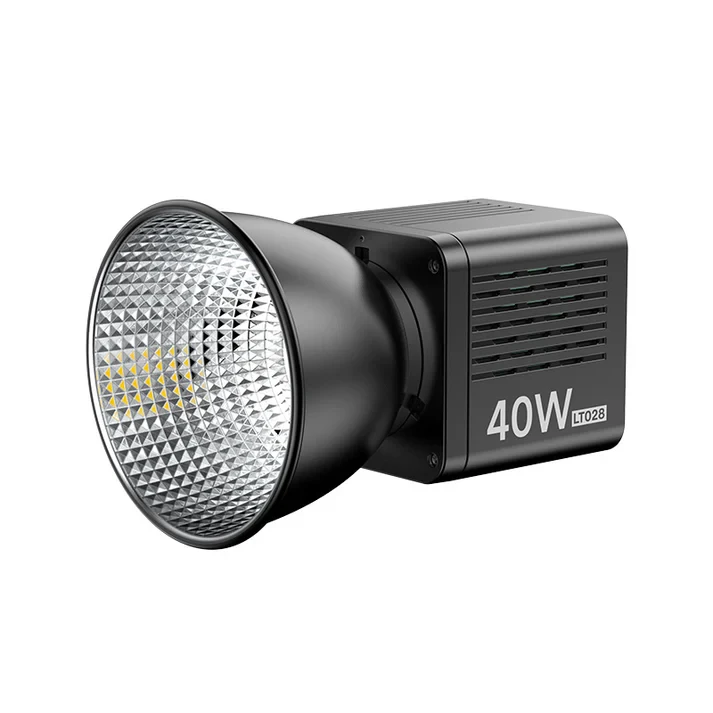
Ulanzi LT028 40W Portable LED Video Light
৳10,450.00
৳11,500.00
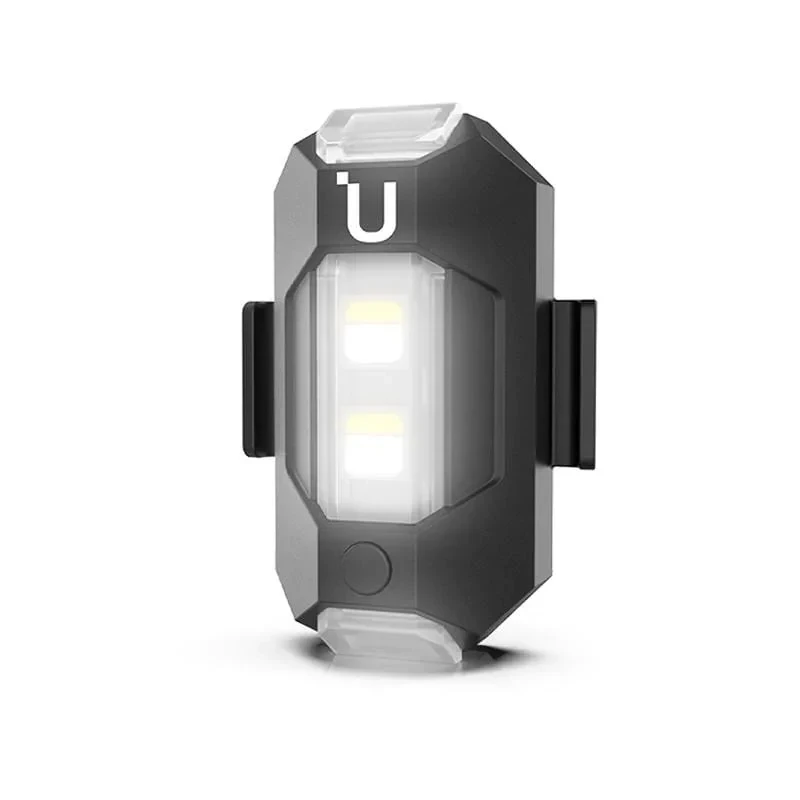
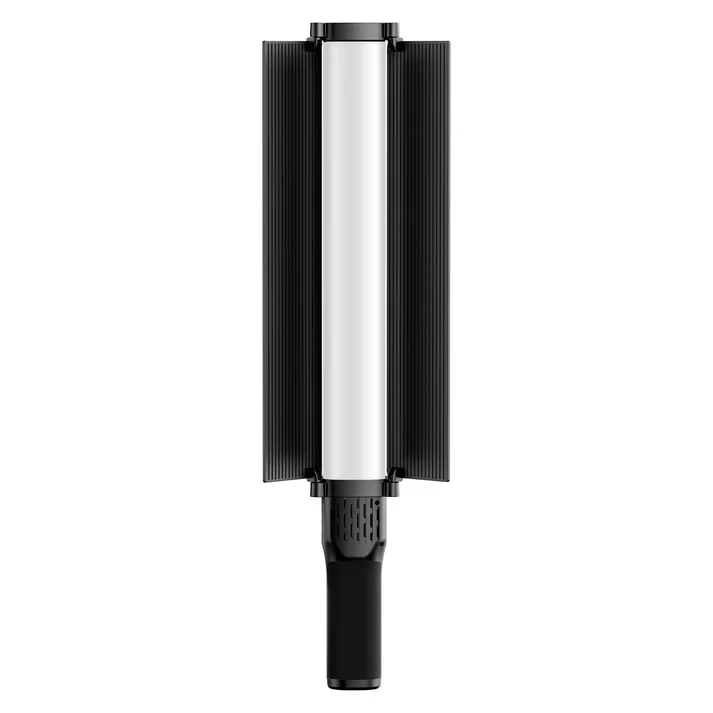
Ulanzi VL360 RGB LED Light Stick
৳9,000.00
৳9,800.00
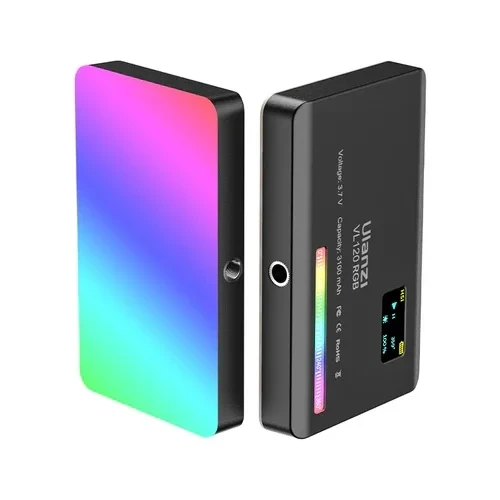
Ulanzi VL120 RGB Video Light For Photography Vlogging
৳2,700.00
৳3,500.00

Ulanzi FM01 FILMOG Ace Portable Fog Machine
৳10,850.00
৳15,000.00
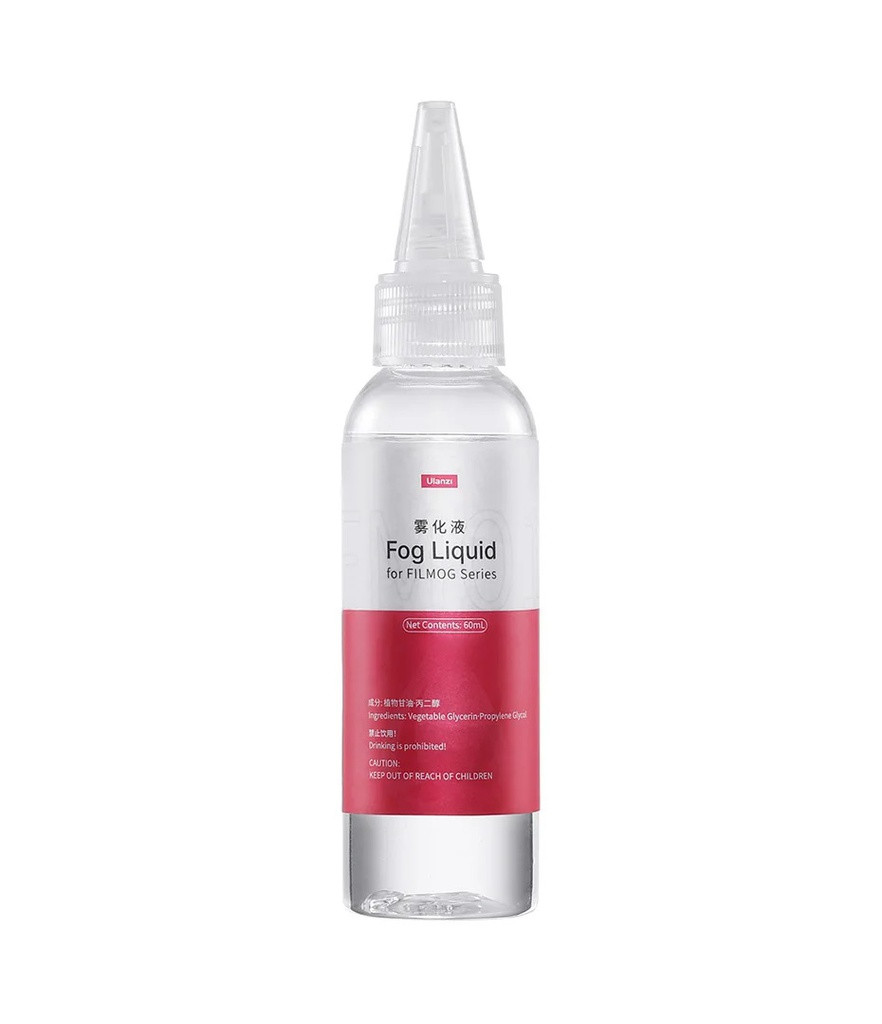
Ulanzi FM01 Fog Machine Juice Oil 60ML
৳500.00
৳700.00
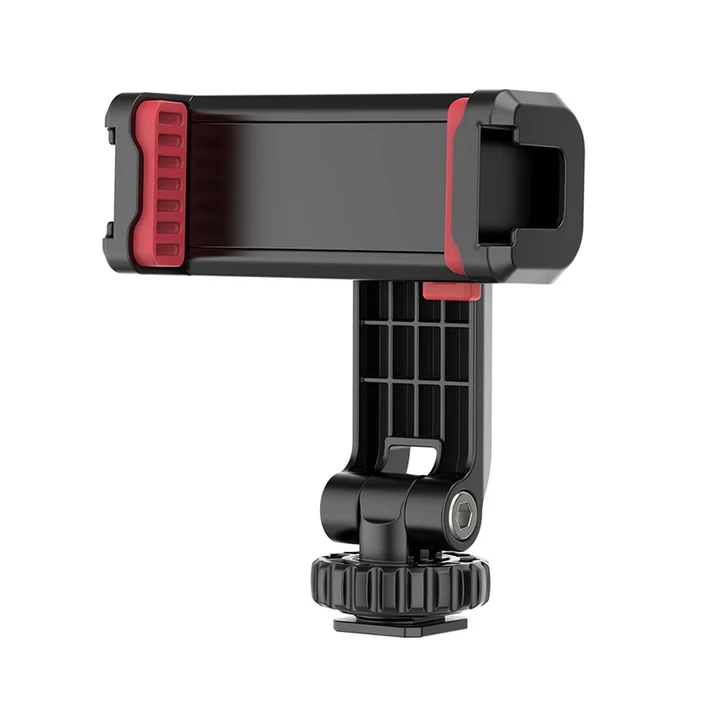
Ulanzi ST-06S Multi-function Cold Shoe Phone Holder
৳650.00
৳800.00

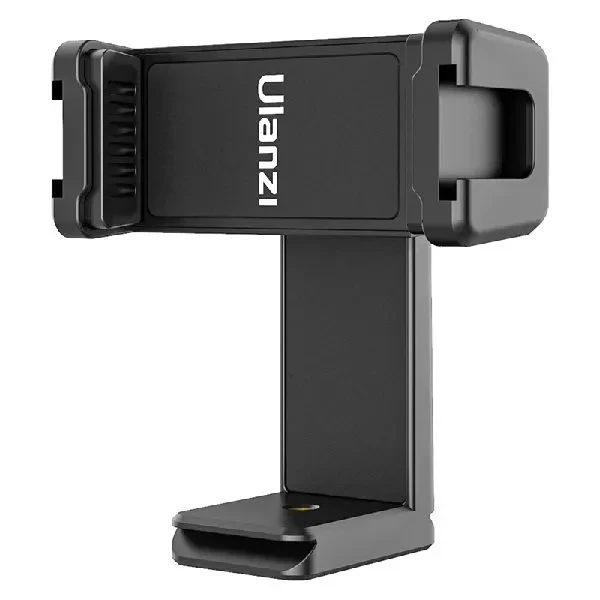
Ulanzi ST-17 Phone Tripod Mount
৳550.00
৳600.00
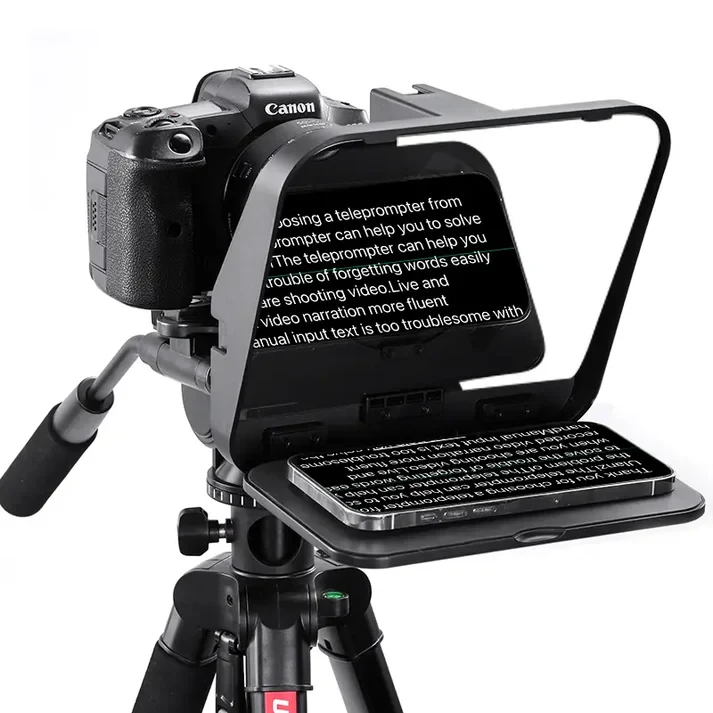
Ulanzi RT02 Universal Teleprompter For Tablet/Smartphone With Remote Control
৳5,450.00
৳6,500.00


Ulanzi LP-E6NH Type-C Canon Camera Battery (2400mAh)
৳2,790.00
৳3,200.00

Share with Friends
Trading is more effective when you share products with friends!Share you link
Share to